1
/
of
1
Emo Positivo
Illustrator Script | Outline Stickers Tool
Illustrator Script | Outline Stickers Tool
Regular price
$5.00 USD
Regular price
Sale price
$5.00 USD
Quantity
Couldn't load pickup availability
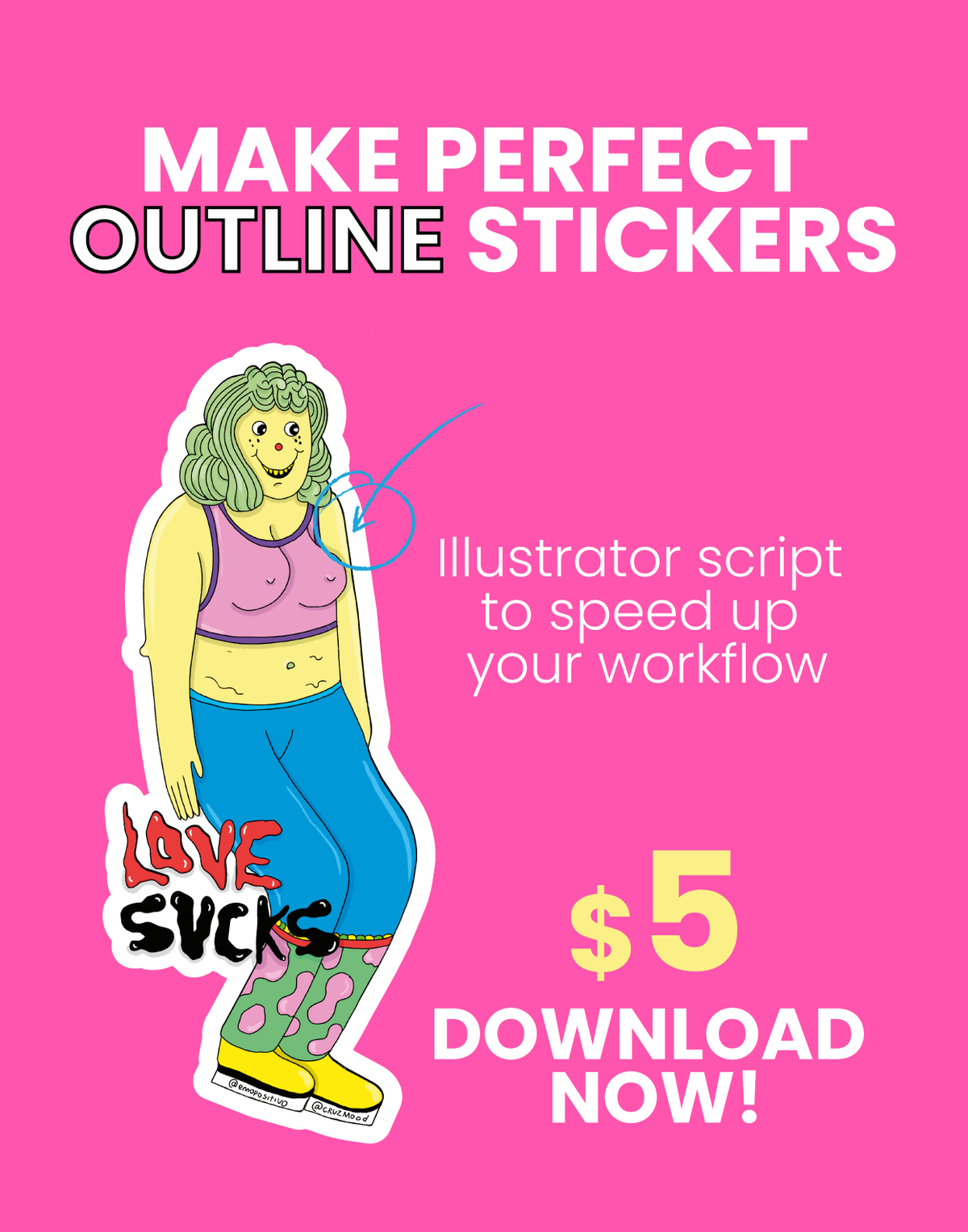
Create clean outline stickers in seconds with this Adobe Illustrator script.
This simple tool helps you generate an outer border around your designs, making it easier to prepare artwork for stickers, labels, or print & cut workflows. Perfect for speeding up your process and keeping your designs consistent.
How to install the script in Adobe Illustrator
-
Download the
.jsxscript file - Open your Applications folder
- Go to:
Adobe Illustrator > Presets > [Your Language] > Scripts - Copy and paste the script file into the Scripts folder
- Restart Adobe Illustrator
- In Illustrator, go to:
File > Scripts > [Script Name]
If you can’t find the Scripts folder
You can also open Illustrator and place the script manually in the Scripts folder inside the Illustrator installation directory.